Where did I save that house?
You saved it. You just can’t remember if it was Rightmove, Zoopla or OnTheMarket, and now it’s buried under twenty others. Faves gathers every home, car and stay you save across the sites you already use into one place, automatically, as you browse. No screenshots, no spreadsheets, no ‘which site was it on again?’
The Faves extension runs on desktop Chrome — sign up now, finish setup at your computer.

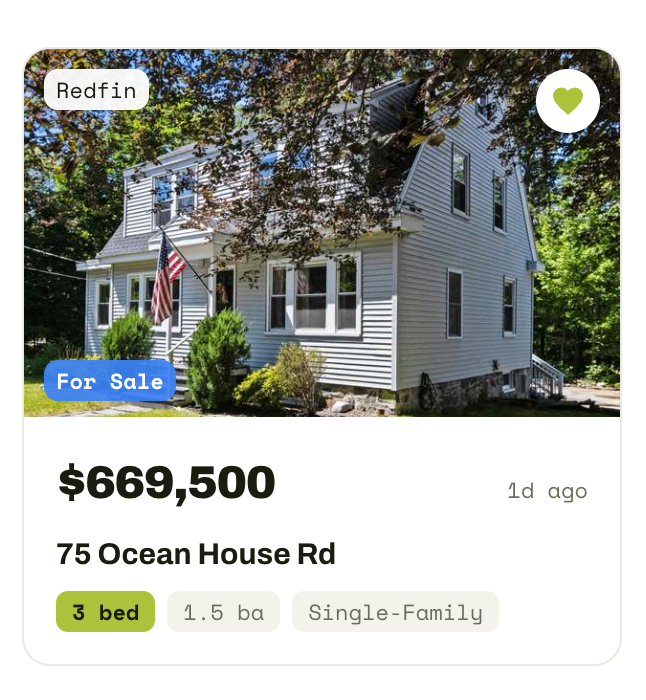
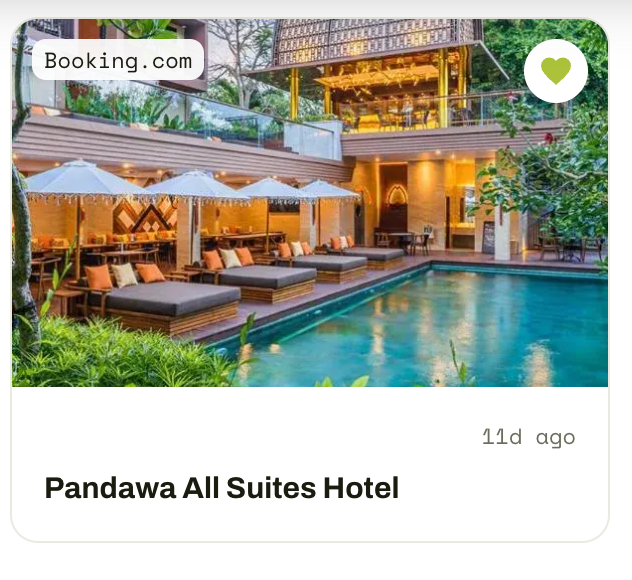
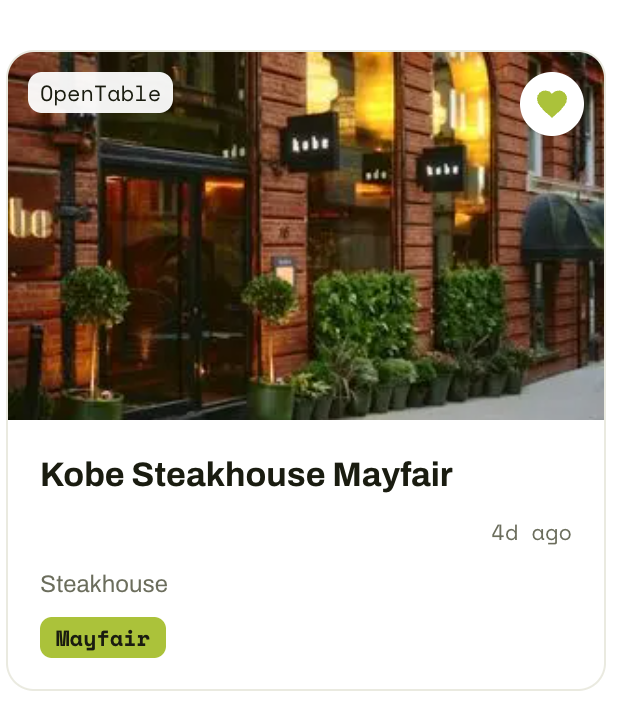
Saving is the easy bit. Finding it again is the problem.
You heart a house on one site, save another on a different app, screenshot a third into WhatsApp. Two people, two accounts, four sites. A fortnight later someone says “what about that place with the south-facing balcony?” and nobody can find it. The saving was never the hard part. Remembering where you put it is.
You do the saving. Faves does the remembering.
Add Faves to Chrome.
It’s free, it takes a few seconds, and you don’t need to sign up for anything new.
Keep saving exactly how you already do.
Heart a house on Rightmove. Save a car on AutoTrader. Bookmark a cottage on Booking.com. You don’t change a thing about how you browse.
Open Faves whenever you like.
Every save you’ve made is already there, in one place, sorted how you want it. Add a note, group them into lists, and actually find the one you were thinking about.
Share the shortlist, not the screenshots.
You’re never really looking alone. There’s a partner, a mate with opinions, a family group chat that needs to see the garden. So share a list in one link. Send your partner the six summer houses you’re torn between, and they open it without signing up for anything. They can look through all of them, then save the whole list into their own Faves with one tap, or just keep the two they actually like. No screenshots, no forwarding twenty different links, no “wait, which one was the one with the balcony?” One link. Everything you saved. Finally on the same page as the people you’re deciding with.
The places you already save.
Your saves are yours. Full stop.
Faves reads the saved-listings pages on supported sites — nothing else you browse.
We never see your logins, and never post or act on your behalf.
Export or remove your data whenever you like. No lock-in.
It can read the saved-listings pages on the sites it supports, so it can gather your saves into your dashboard. It can’t see anything else you browse — no other sites, no email, no history. It can’t log in as you or do anything on your behalf; it only reads pages you can already see. Your logins and passwords never leave your browser, and Faves never sees them. Your saved data lives in your Faves account, and you can export or delete it any time.
Good questions.
How does Faves actually work?+
The Faves extension reads the items you’ve already saved on sites you’re signed into, and brings them together on your dashboard. You keep browsing exactly as you do now — Faves does the gathering quietly in the background.
Is this safe? What can Faves see?+
Faves only reads your saved-listings pages on supported sites — nothing else you browse. Your login details never leave your browser, and Faves never posts or acts on your behalf.
Do the sites know I’m using Faves — is this allowed?+
Faves reads pages you can already see, inside your own browser, the same way a bookmarking tool does. It never logs in for you and never reaches anything you couldn’t open yourself. Nothing is done on your behalf.
Which sites are supported?+
The major UK and US listing sites across cars, homes, stays and places to eat — names like AutoTrader, Rightmove, Airbnb, Booking.com and Redfin. We add more through beta, and your region decides which list you see.
Do I have to import or re-save anything?+
No. Visit the sites you already use and your existing saves appear on their own. There is nothing to upload and nothing to save again.
What if I save something new?+
It shows up on its own. The next time you save something on a supported site, Faves adds it to your dashboard without you doing anything extra.
Does it work on my phone?+
Your dashboard works in any mobile browser, and you can add it to your home screen for an app-like feel. The extension that gathers your saves runs on desktop Chrome.
What does it cost?+
Nothing. Faves is free, and it stays free. No card, no catch. We make money through the sites we connect you to, never by charging you or selling your data.
What happens to my data if I leave?+
It stays yours. You can export it or delete it at any time — no lock-in, no hard feelings.
What if a site changes and my saves stop syncing?+
We keep an eye on every supported site and usually fix any breakage before you would notice. If a save ever slips through, it appears the next time you visit that site.
Why I built this.
I’m not a developer. Faves started with a car.
We needed one by a certain date, so I was hunting hard, and my saves ended up scattered everywhere. AA Cars, AutoTrader, CarGurus. The more sites I looked on, the worse it got. I kept assuming someone must have built a way to keep all your saves in one place, but there was nothing. The best I could find was a spreadsheet for sale on Etsy. By the time I’d bought the car I had dozens of saves spread across half a dozen sites, and I still couldn’t have told you where most of them were.
So I decided to build the thing I couldn’t find.
Here’s the honest part. A couple of years ago I couldn’t have, not on my own. Something like this would have meant hiring developers I wouldn’t have known how to find, let alone afford. What changed is the tools. With them, and a lot of patience, someone like me could start small, add one site, then another, then the US ones, and slowly turn it into something real.
I had the time to learn because of a hard stretch at home. My wife Sami was diagnosed with cancer almost two years ago, and I stepped back from work to look after her and the house while she focused on healing. Building Faves became the thing I poured myself into through that. Something to aim at on the tough days. It grew into a proper passion project, and here it is.
If Faves saves you the headache of hunting for your own saves like it saved me, it has done its job.
Every save, one place.
It’s free, and it stays free. No card, no catch.
Get started free